Frostrail controls: movement, combat, hold interactions, building keys and the Status, Crafting, Quests, Handbook and Rime panels explained.
Frostrail Controls and UI: Keys, Panels and Inventory
Quick answer: Frostrail uses standard first-person movement with a few deliberate holds: interact and heat-valve adjustment are hold-based, and building uses left click to place with right click to cancel. The crafting menu opens with its own key and pauses nothing, so never open it in a fight.
Every binding below was tested in the Steam Next Fest demo. The game officially supports customisable keybinds (announced in the December 2025 update), so your build may differ if you remap. Controller support is planned but was not promised for Early Access launch.
Movement and interaction
| Action | Default key | Notes |
|---|---|---|
| Move | W A S D | Standard FPS movement, no lean |
| Jump | Space | Blocked or slowed while Overcumbered |
| Sprint | Left Shift | Drains stamina; stops entirely when over the weight cap |
| Crouch / sneak | Left Ctrl | Useful for approaching Revenants and for tight bunker corridors |
| Interact | E | Tap for doors, loot, stations. Hold for valves and some machinery |
| Attack / place | Left mouse | Context-sensitive: swings the equipped weapon, or places the selected build piece |
| Cancel build / aim | Right mouse | Cancels placement; also the aim input for ranged weapons |
| Open crafting | N | Opens the crafting panel; the game does not pause |
| Close panel / inventory | Tab | Backs out of the current screen |
The three controls that catch people out
- The heat valve is a hold, not a tap. Hold E on the valve and move the mouse to change output. Letting go locks the setting in.
- Placing furniture needs the right tool. Structural pieces use the wooden mallet; some stations are placed directly from the build menu once crafted.
- Right click cancels. If a ghost placement is stuck to your cursor, right click returns you to normal movement.
The five panels
Opening the character screen reveals five tabs along the top:
| Tab | What it holds |
|---|---|
| Status | Character model, gear slots, warmth/health/stamina, derived stats, inventory |
| Crafting | Available recipes, filtered by category; locked recipes show what unlocks them |
| Quests | The active objective chain, including tutorial steps |
| Handbook | In-game reference entries for items, stations and mechanics |
| Rime | Exists in the demo build; its full function is not explained in-game (unknown) |
Status tab in detail
- Thermometer at the top left reads ambient temperature, not body temperature. Ours read -8.1 °C inside an unheated carriage.
- Warmth / Health / Stamina are three 0-100 bars directly under it. Warmth falls in the cold and refills near heat.
- Derived stats below the bars: Health Regeneration, Stamina Regeneration, Cold Resistance, Armor, Damage Resistance and Movement Speed. The starting suit shows 999% Cold Resistance, 1,000 Armor and 0% Damage Resistance — those are separate systems, and the cold number does nothing against a Revenant's club.
- Gear slots are four: torso, legs, head and backpack. In the demo, clothing exists as loot but cannot always be equipped, and the backpack slot was empty throughout our run.
- Two utility slots sit below the gear grid. Both read "Empty" in the demo. They are most likely for consumables or relics in Early Access (unconfirmed).
Inventory and the weight cap
The counter in the top right reads current weight over maximum, displayed as 40.4 / 40 in our run. Crossing the cap flags Overcumbered, drops movement speed to 50%, blocks sprinting and sets stamina regeneration to 0.0/s.
- Items stack, and each stack shows its own weight in the corner.
- The filter row above the grid sorts by category (all, carried, food, tools, materials).
- Hotbar slots 1-5 sit at the bottom of the HUD. Weapons and tools equipped there are visible in first person.
- Shift-click moves a whole stack between containers; most containers also offer a "loot all" button.
Loot until 37 or so, not 40. The last item that pushes you over is always the one you needed to drop a fight earlier.
Building and repairing
- Equip the wooden mallet to place walls, doors, chests and some stations.
- The placement ghost snaps to floors and walls, and rotates with the rotate input shown on screen.
- Damaged fixtures — walls, doors, the sorting table — are repaired with the makeshift wrench.
- The sorting table loses 2% processing speed per recycled item, so a wrench early saves a lot of walking later.
Combat feel
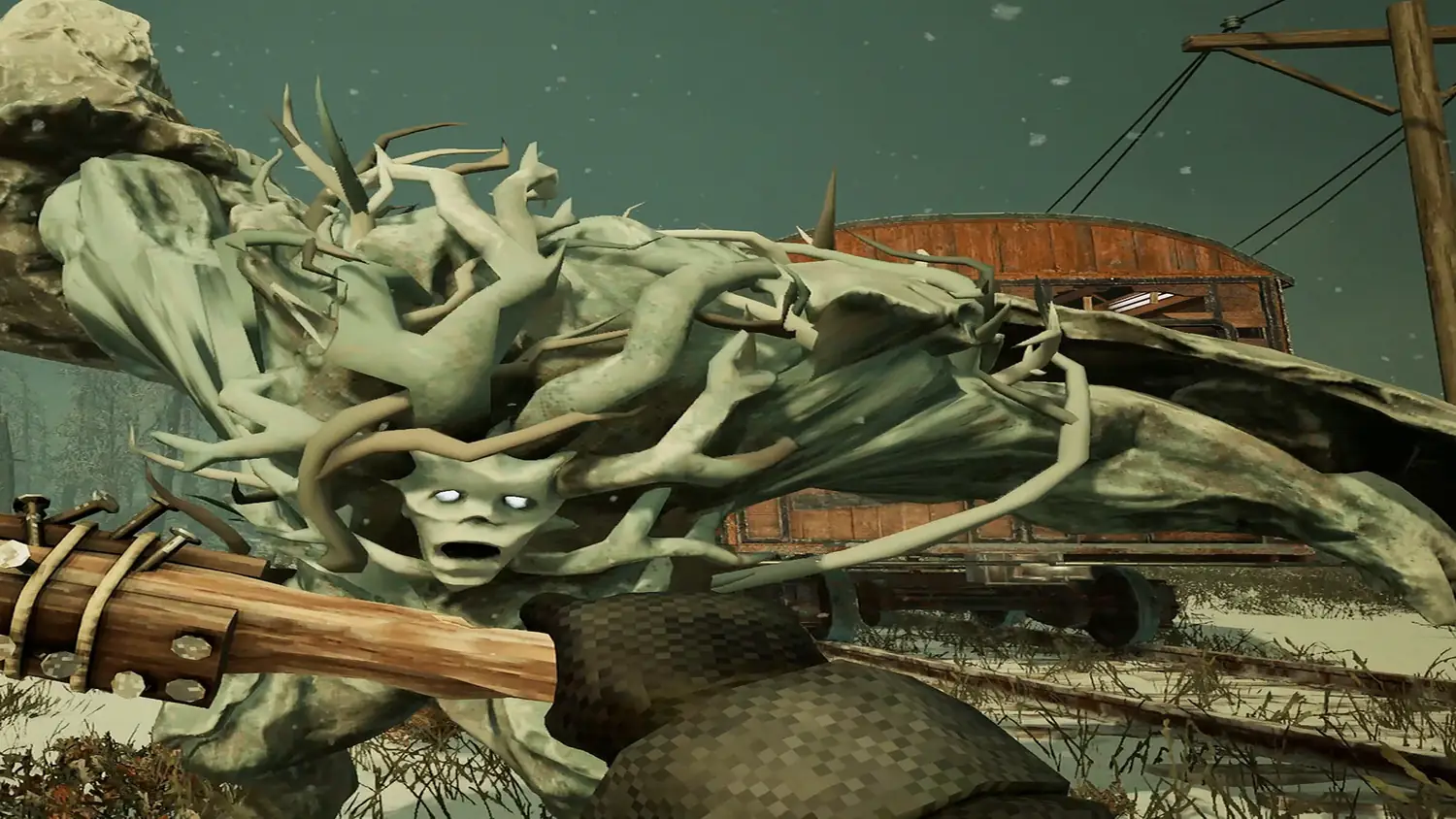
- Melee swings are weighty and short-range. The primitive club and metal hammer both connect with a visible hit reaction; the October 2026 demo patch specifically improved melee hit feedback and added blood effects.
- The zip gun is a single-shot scrap firearm with a slow reload. Treat every shot as a commitment and reload behind cover.
- Revenants charge when shot. Backpedal while reloading rather than standing still.
What about controllers and rebinding?
FakeFish's April 2025 FAQ said controller support was planned but might not make Early Access, and the December 2025 update confirmed customisable keybinds on PC. The demo's settings menu exposes keybinds, mouse sensitivity and audio; graphics options are limited. If you are on a gamepad today, expect to wait.
Related pages
- New to the game? Start with the beginner guide.
- Learn what each craft unlocks in crafting and recipes.
- Understand the machinery on the panel behind the cab in Eden Engine upkeep.
- Weapon-by-weapon notes live in Frostrail weapons.
FAQ
Can I rebind keys in Frostrail? Yes. The December 2025 winter update added customizable keybindings, and the demo exposes them in the settings menu. Movement defaults are the usual first-person set: Space to jump, Left Ctrl to crouch and Left Shift to sprint.
How do I open the crafting menu? Press N. The same panel holds the status, quests, handbook and RIME tabs, and Tab closes it. The handbook tab is where the game explains systems such as the Eden Engine rather than listing raw numbers.
How do I move items between containers? Hold Shift while clicking an item to send it to the other container instead of your inventory, and use the Loot all button on corpses and crates when you want everything at once. The sorting table on the train works the same way.
Sources
Official reference: Frostrail on Steam for the store page, system requirements and supported languages, and the Frostrail Demo page for the build tested here.
More Frostrail Guides
Frostrail enemies: Revenant aggro, the charge when shot, group sizes, melee and zip gun counters, and which enemy types are still unconfirmed.
Frostrail FAQ: release date, price, co-op player count, crossplay, platforms, demo length, saving, languages and the Barotrauma comparison.
Frostrail release date: Early Access lands in Q4 2026 with no exact day or price. Confirmed timeline, launch features and what is still unknown.
Frostrail resources: metal, wood and textile scraps, sorting table conversions, the best fuel and farming routes that respect the 40 weight cap.
Frostrail survival: warmth versus health, sealing a heated room, fuel choices, food, bandages, cold damage and the 40 weight Overcumbered cap.
Frostrail system requirements from Steam: Windows 10 64-bit, 16 GB RAM and RTX 3060 minimum, 32 GB and RTX 4060 recommended, 25 GB storage.
Frostrail train upgrades: every station and structure you can install in the demo, three carriage layouts and announced Early Access upgrades.
Frostrail weapons: primitive club, metal hammer, crowbar and zip gun, ammo economy, reload discipline and why no demo damage numbers exist.